

AI Audio Summary
Early Days
By 2010, my daily use of Grasshopper was in full swing. I began writing a collection of Grasshopper script snippets and clusters that I found useful in my professional and personal design work. At the time, my design work was heavily based in international competitions and my tool development was focused on ‘keeping my head above water’ in the wake of schedule and production demands. Originally, I referred to these tools as ‘TPG tools’ (TPG = ‘The Proving Ground’) with a focus on tessellation algorithms and mathematical surfaces to support rapid design development.

By early 2012, the collection of tools was rebranded as ‘LunchBox’. The naming was a bit arbitrary. I wanted a fun name to generally reflect the idea that this plugin was a container of components that would make up a good ‘computational diet’ at school or at work. LunchBox’s components continued to grow to include additional tools for geometric development and data-driven workflows.
Recent History
When I started our consulting business in 2015, LunchBox benefited from contributions from several other members of the Proving Ground team. Influenced by the needs of projects including the Lucas Museum of Narrative Art, David Stasiuk contributed tools for mesh development as well as R-tree search.

As part of a summer R&D internship, Nazanin Tabatabaei Anaraki developed our first open source integration of Machine Learning into the Grasshopper workflow. Branded as LunchBoxML, these components provided some powerful implementations of regression, clustering, and neural network algorithms. Andrew Payne further developed the workflow by creating LunchBox’s implementation of ML.NET which resulted in an extensive collection of scalable workflows with regression, classification trainers and testers along with a multitude of tools for structuring training data.

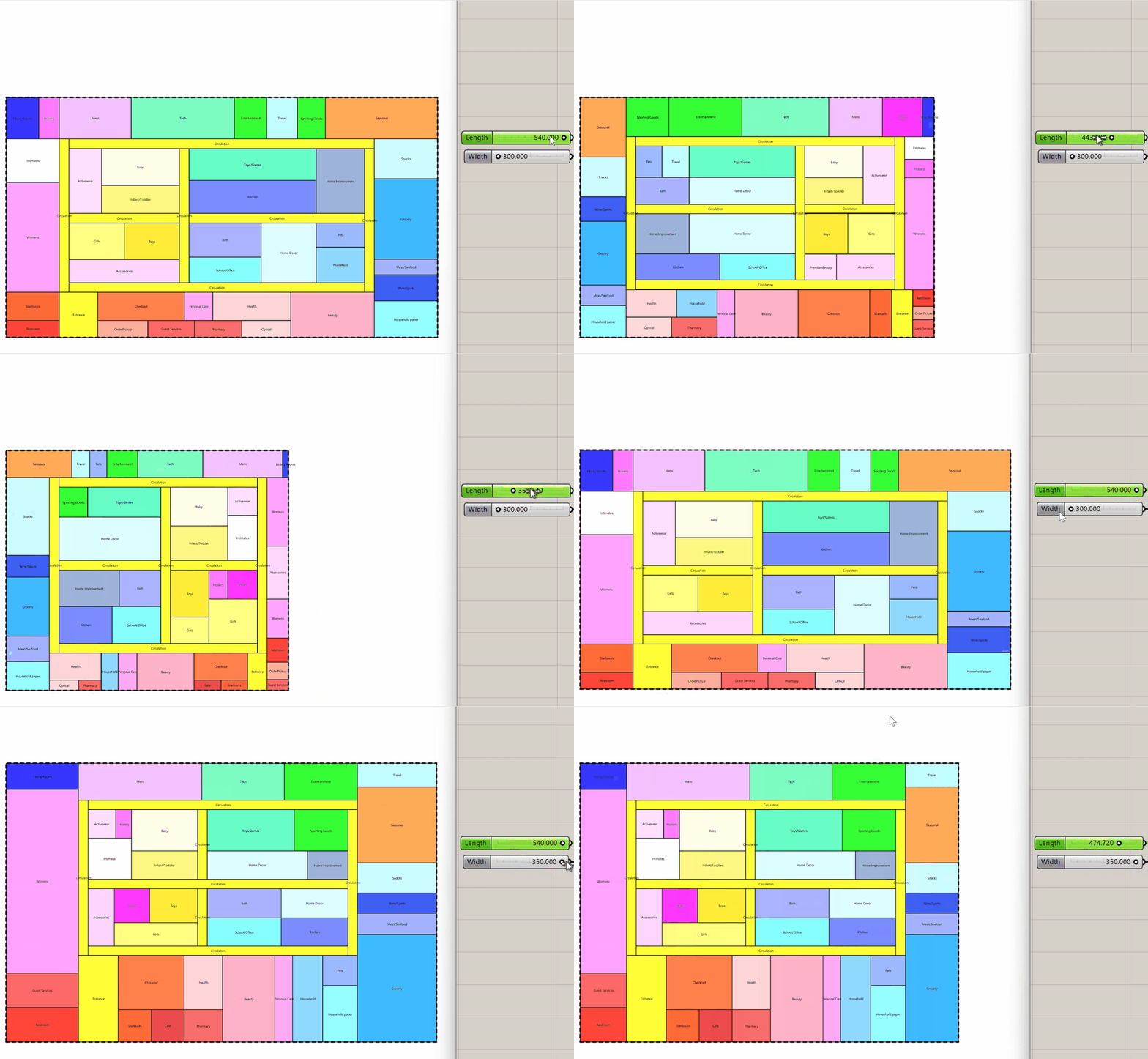

Other notable additions to LunchBox over the years have included the creation of utilities to rationalize geometry, repair and join messy surfaces, and exporting geometry objects. Here are a few of our Weekly Workflow articles that cover some of these capabilities…
- Evaluate panel flatness
- Develop NURBS curves into arc segments
- Serialize and share geometry objects
- Joining disjointed surface geometry
Present Day
2025 marks 15 years since the first LunchBox component code was written and today it remains the most downloaded plugin for Grasshopper. This past April, a new version of LunchBox was published to coincide with the Shape to Fabrication workshop held in London. The latest releases of LunchBox are available through Rhino 8’s package manager. Some of the recent Weekly Workflows on this blog cover a variety of the newer additions:
- Massing: A collection of tools for developing basic building masses using area and floor level constraints. These were originally developed to support rapid masterplan studies.
- Shell Breps: This simple utility exposes a Rhinocommon method for developing solid Brep shells from a solid. This component has proven extremely useful for 3D printing.
- String Distance: Compare how ‘close’ two strings are. The distance value can be used to score a list of labels against a standard list. This is great for support the remediation of poorly labeled data sets

Future Developments and LunchBox G2 (alpha)

LunchBox will continue to be developed for Grasshopper for the foreseeable future and users can find updates on the Rhino 8 package manager as they are available. Meanwhile, David Rutten has been working away on Grasshopper2 and the results are finally becoming more visible. Now available as an ‘alpha’ release, G2 is setting out to be a complete rebuild of Grasshopper. It features a more polished user interface, overhauled data management, and performance enhancements. As an alpha, it is also incomplete, unstable in parts, and very much subject to rapid change. Moreover, Grasshopper2 does not have the ecosystem of third-party plugins – like LunchBox – that computational designers have come to depend on. Is G2 ready for production? No… but neither was G1 when I was using it to design and deliver an Olympic-sized stadium.

With the availability of Grasshopper2, there is an incredible opportunity to evolve the computational design workflow. Shortly after Shape to Fabrication, I began the process of porting elements of LunchBox to work with Grasshopper2. Given that LunchBox is the product of ‘learning along the way’, this effort has given me the opportunity to revisit each component and streamline each component.
I have published a Rhino Forums thread to track LunchBox G2 development and share new builds. Like Grasshopper2, the plugin currently features a fraction of the tools available in Grasshopper. Additionally, it will surely undergo many revisions as the Grasshopper2 SDK evolves. For now, I have ported the following to LunchBox G2:
- Massing tools for developing simple building floor arrays with basic constraints.
- Paneling and Structure tools for developing tesselated geometry on surfaces.
- Utility components including Arc Divide, Shell Brep, Unroll Brep, and a few more.
- Workflow components for reading and writing to Excel and Text formats.
For those of you that might be nostalgic for the early days of Grasshopper’s evolution, I recommend giving Grasshopper2 a try… but be prepared for a ride ahead!